Meet and teach
with a single link.
Participants need no install and no sign-up: they just open the link in a browser. Screen sharing, recording, live captions and translation — and you can start free on the Free plan.
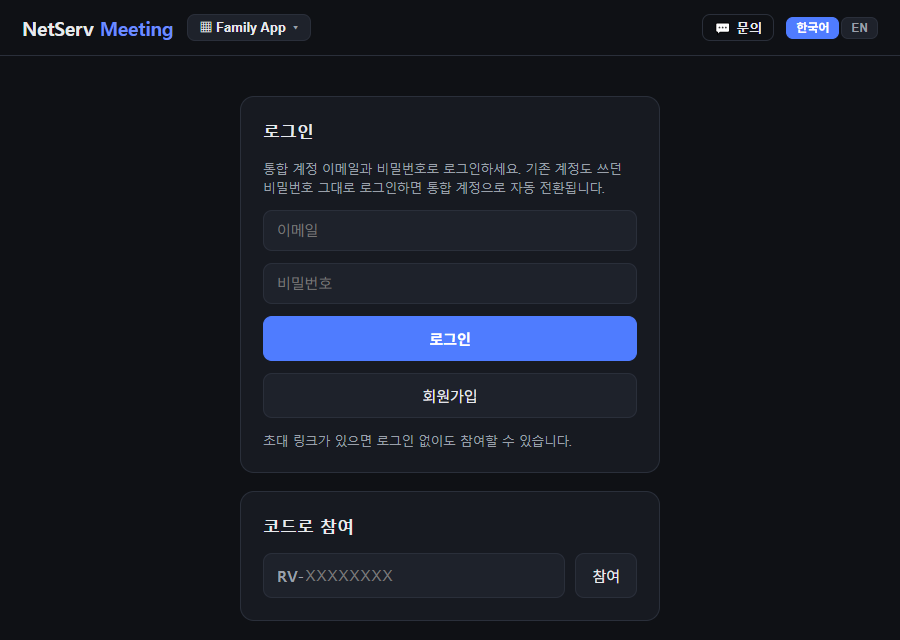 Meeting
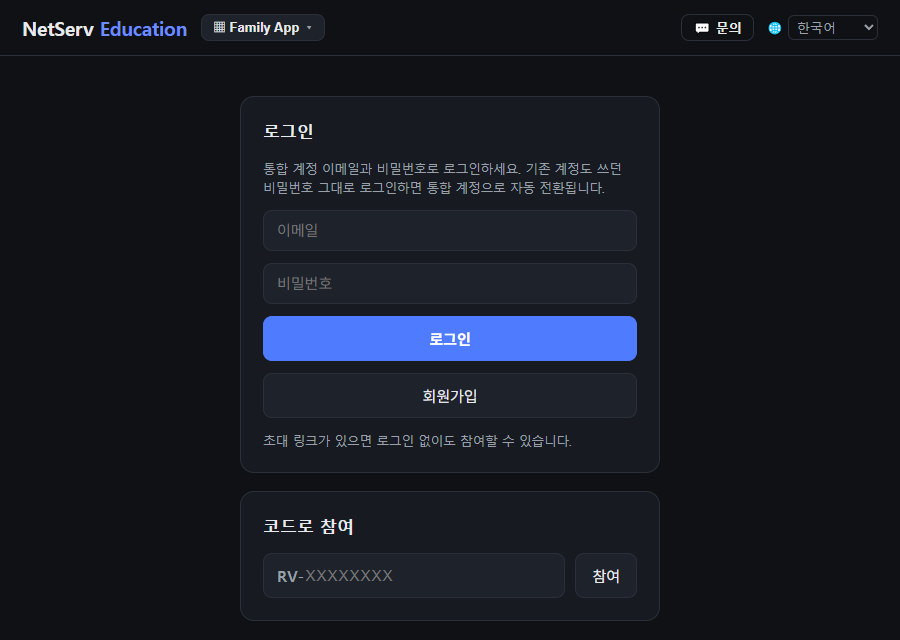 Education
Real start screens of the services. With an invite link you can join without signing in.
All you need to get together
is one link.
We took the friction out before the meeting or class even starts.
Installs and sign-ups
wear everyone out
Explaining setup to each participant and asking them to create accounts.
Join by link, right in the browser
Participants install nothing and join from Chrome, Edge or a phone browser. With an invite link they don’t even need to sign in.
We don’t share a language
It’s hard to get meetings and classes across to international participants and students.
Live captions & translation, multilingual VOD subtitles
Speech appears as captions and is translated into the language each participant picks. Education can also add multilingual subtitles to recorded lectures (higher plans).
Meetings, classes, recording, attendance — all separate tools
Scattered tools double the cost and the admin.
One place, starting on Free
Video meetings, live classes, recording and attendance/course management on one account. Basic features are always free on the Free plan, and participants and students are free.
What meetings and classes need,
kept to the essentials.
Meeting · video conferencing
In your browser, no install
An invite link is enough to join. The other side installs nothing.
Screen sharing & whiteboard
Share your screen and draw together on a whiteboard. On-screen annotation and a laser pointer are supported.
Meeting recording
The host records the shared screen and presenter audio to MP4. Free allows up to 60 minutes per recording.
Live captions & translation
Speech is shown as captions and translated into other languages.
Host controls & secure mode
Waiting room, remove, mute — plus a secure meeting mode that turns off captions and AI minutes.
Free up to 50 people
Free gives hosts 300 minutes a month and up to 50 people. Larger meetings scale out on higher plans via cloud nodes.
Education · online classes
Live classes & in-app slides
Open PDF slides in the classroom and annotate; the instructor’s face overlays in a small window (PiP).
Recording & replay
Record classes so absent students can catch up. A recordings browser and trim editor are included.
Attendance
Join and leave times are logged automatically; per-session totals and a student×session table export to Excel.
Course dashboard
Syllabus, notices, materials, assignments and the board, managed per course on one screen.
Multilingual student UI
The student screen and classroom menus work in Korean, English, Chinese and Vietnamese.
Free for students
Students (participants) are free. Education use (schools, classes) has a free-to-discounted track.
Look closer, and it does more
Tap a tab to explore the main features.
Live captions and translation
Speech from meetings and classes becomes captions, translated into each participant’s chosen language.
- Default (free) mode: each browser’s own speech recognition and translation
- Server caption mode: when the host turns it on, the host’s microphone audio is processed by external speech-recognition and translation AI (a paid, higher-quality option in Education)
- Education server captions use terminology from the syllabus, notices and materials
- Education recorded-lecture (VOD) multilingual subtitles and .vtt download (higher plans)
- Secure meeting mode turns off captions and AI minutes for sensitive meetings
Slide presenting
Upload, flip and annotate slides in one flow.
- Present PDF/PPT slides inside the meeting or classroom and annotate per page
- Presenter camera shown in a small PiP window (Education: square or circle)
- The desktop app drives PowerPoint slideshows directly; annotations are saved and restored per slide (PowerPoint required)
- Export the annotated PDF and edit it again
Recording and replay
People who missed it, or want another look, watch the same video.
- MP4 recording — Free up to 60 min each, Standard and up to 8 hours (Meeting)
- Auto-save intervals (10/15/30 min) against outages; pause and resume merge into one file
- Education recordings browser, multi-select download, and trimming to keep only what you need
- Students can watch only; instructors can download mp4
Attendance and course management
Education puts class operations in one place.
- Join and leave times logged automatically
- Smart import of roster Excel templates; attendance export to Excel
- Notices, assignments, board, materials and weekly plans per course
- Student notifications (SMS, or email without a phone number) and read receipts
Start on your own,
then grow with your team and institution.
Free first, then one step at a time as you need it — the same apps at the scale you need.
- Free
Individual · start free
Core meeting and class features are always free. Participants and students are free.
Start free → - Standard · Premium
Teams · larger scale
Standard $15 · Premium $30 per host·month (annual billing, VAT extra). Longer sessions, more people, AI features.
See pricing → - Organizations · from 5 seats
Schools & companies
Organizations subscribe per seat (from 5 seats) per month, with volume discounts.
Contact us for organizations → - Self-hosted
On-premise · air-gapped
Built on your own servers for organizations that can’t keep data outside. Quote-based.
About self-hosting →
Prices follow the pricing page, in USD, VAT extra. Ask us about organization unit prices and discounts.
Where you could use it.
Team meetings
Share a link, see the screen, meet right away, and keep a recording.
Customer seminars & webinars
Invite customers and partners with a link that needs no install.
University & academy lectures
Run online classes with slide annotation, recording and attendance.
International learners
Include non-native students with translated captions and a multilingual UI.
In-house training
Record onboarding and job training and reuse it as replay.
Study groups & clubs
Start light on the free Free plan; open and close in minutes.
These are example uses.
Start free today
Open a meeting or class with a single link. For organization rollout, just get in touch.
Mobile pages: Meeting · Education
Need on-premise? About self-hosting
www.remote-viewer.com/promo/meeting-education.html